









The short answer
UX (user experience) design is about how a product works: the journey a person takes, the decisions they have to make and how easily they reach their goal. UI (user interface) design is about how that journey looks and feels on screen: layout, typography, colour, buttons and motion.
A useful way to think about it: UX decides what should be on a page and in what order; UI decides how it is presented. You need both — a beautiful interface on top of a confusing journey still loses customers, and a well-planned journey with a careless interface feels untrustworthy.
What UX design covers
UX work starts before anything is drawn. It typically includes:
- Research — understanding who your users are, what they are trying to do and what gets in their way.
- Journey mapping — laying out every step from first visit to enquiry or purchase, and spotting where people drop off.
- Information architecture — organising pages, navigation and content so people can find things without thinking.
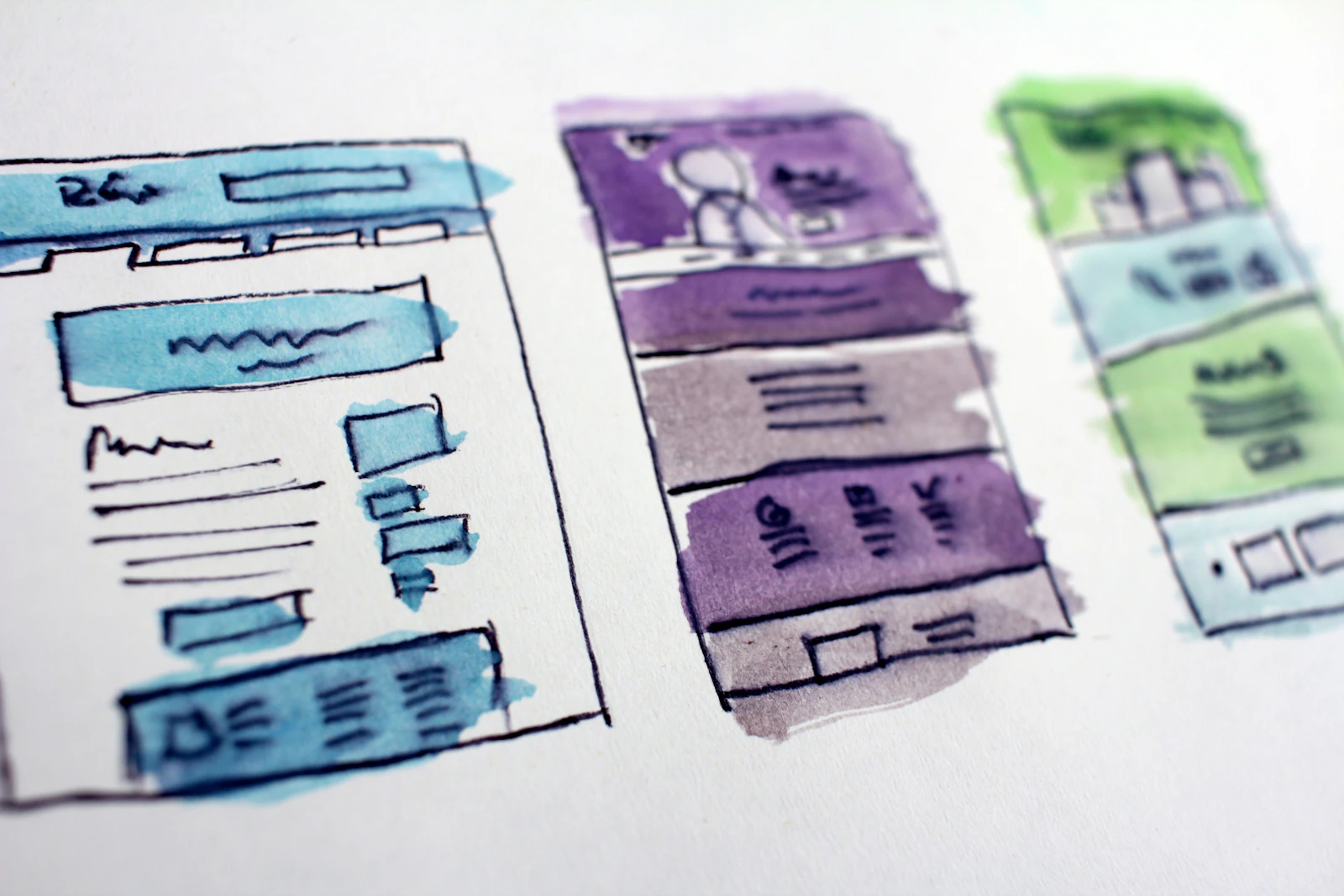
- Wireframes and prototypes — simple, clickable layouts that test the structure before visual design begins.
- Usability testing — watching real people use the prototype and fixing what confuses them.
What UI design covers
Once the structure works, UI design turns it into something people enjoy using:
- Visual hierarchy — size, weight and spacing that guide the eye to what matters most.
- Typography and colour — readable type, accessible contrast and a palette that reflects the brand.
- Components — consistent buttons, forms, cards and menus, usually collected in a design system.
- Interaction and motion — hover states, transitions and feedback that make the interface feel responsive.
- Responsive layouts — screens that work as well on a phone as on a desktop.
UI and UX side by side
| UX design | UI design | |
|---|---|---|
| Main question | Does it work for the user? | Does it look and feel right? |
| Typical outputs | Research, journeys, wireframes, prototypes | Visual designs, design system, UI kit |
| Measured by | Task success, drop-off, conversion | Clarity, consistency, brand perception |
| When it happens | First — it shapes the structure | Next — it brings the structure to life |
In practice: the best results come when UI and UX are designed by the same team, so the look never fights the logic.
Signs your website has a UX problem
- Visitors land on the site but rarely reach your contact, booking or checkout page.
- People ask questions the website already answers — they just can’t find the answer.
- Your mobile visitors leave much faster than desktop visitors.
- Forms are started but not finished.
- Your team has to explain how the site works.
If several of these sound familiar, a fresh coat of paint (UI) alone will not fix it — start with the journey (UX).
Where to start
- Define the one action each key page should lead to.
- Look at your analytics to see where people drop off.
- Watch three to five people try to complete that action — you will learn more than from any report.
- Fix the structure first, then refine the visual design.
 Social
 Web
Web